Extension marketplace
Installing a plugin used to mean finding a ZIP, downloading it, and uploading it again. The marketplace does that from inside the admin dashboard. You can point Bulwark at the official directory, at one you run yourself, or at nothing at all.
Configuration
The extension directory URL defaults to https://extensions.bulwarkmail.org. Override only if you run your own directory or want to disable the marketplace:
EXTENSION_DIRECTORY_URL=https://extensions.bulwarkmail.org
# Or override with your own catalog:
# EXTENSION_DIRECTORY_URL=https://extensions.example.com
# Or disable entirely:
# EXTENSION_DIRECTORY_URL=
When the URL resolves to a reachable directory, a Marketplace tab appears in the admin dashboard's plugin and theme management. When unset (or unreachable), the marketplace is hidden and admins manage plugins via direct ZIP upload only.
Installing from the marketplace is restricted to the admin dashboard. Users can't browse it. If the admin allows user uploads, users can still upload a plugin ZIP themselves under Settings > Plugins, and by default it only runs after an admin approved it (see Plugins).
Using the marketplace
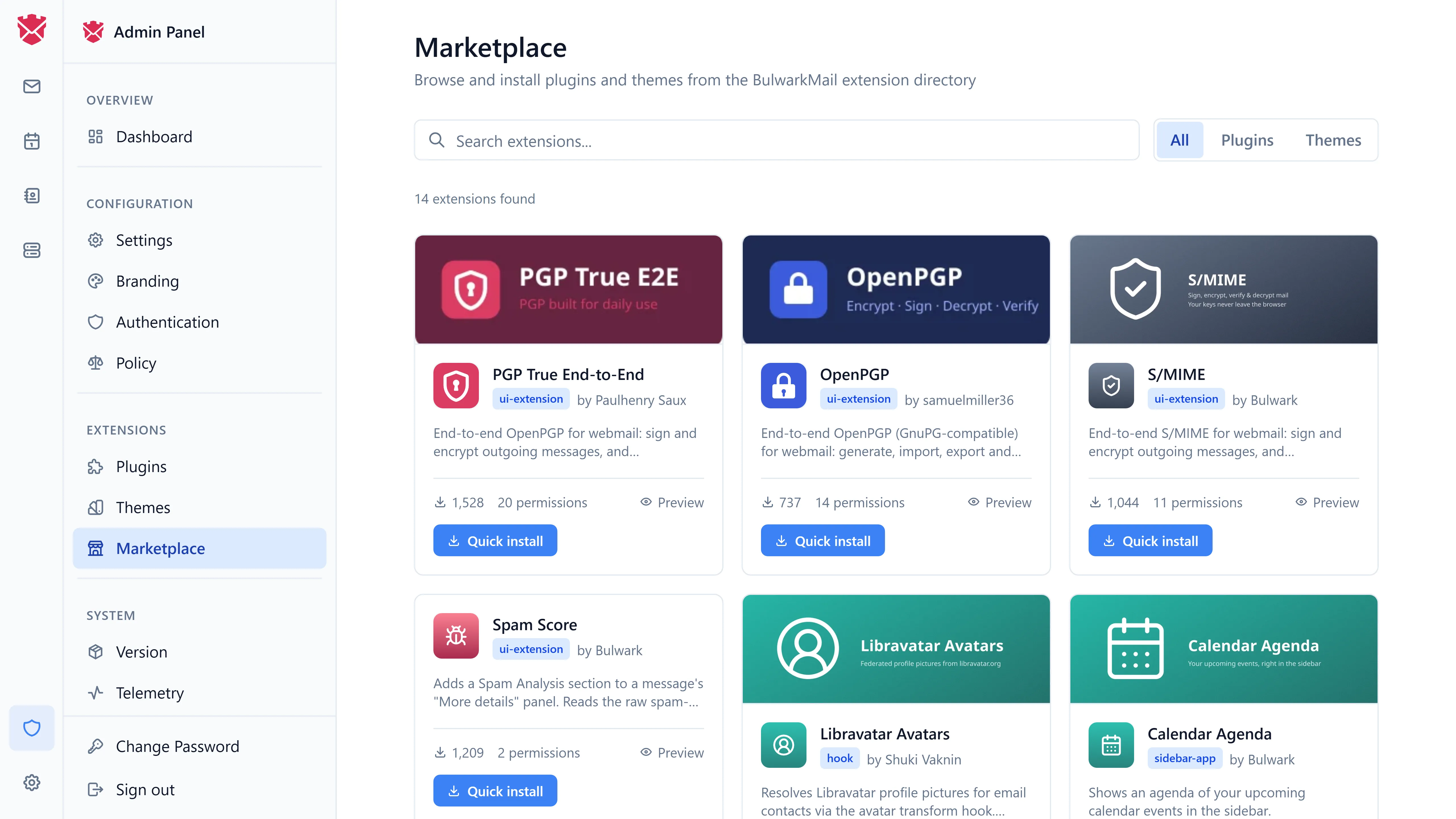
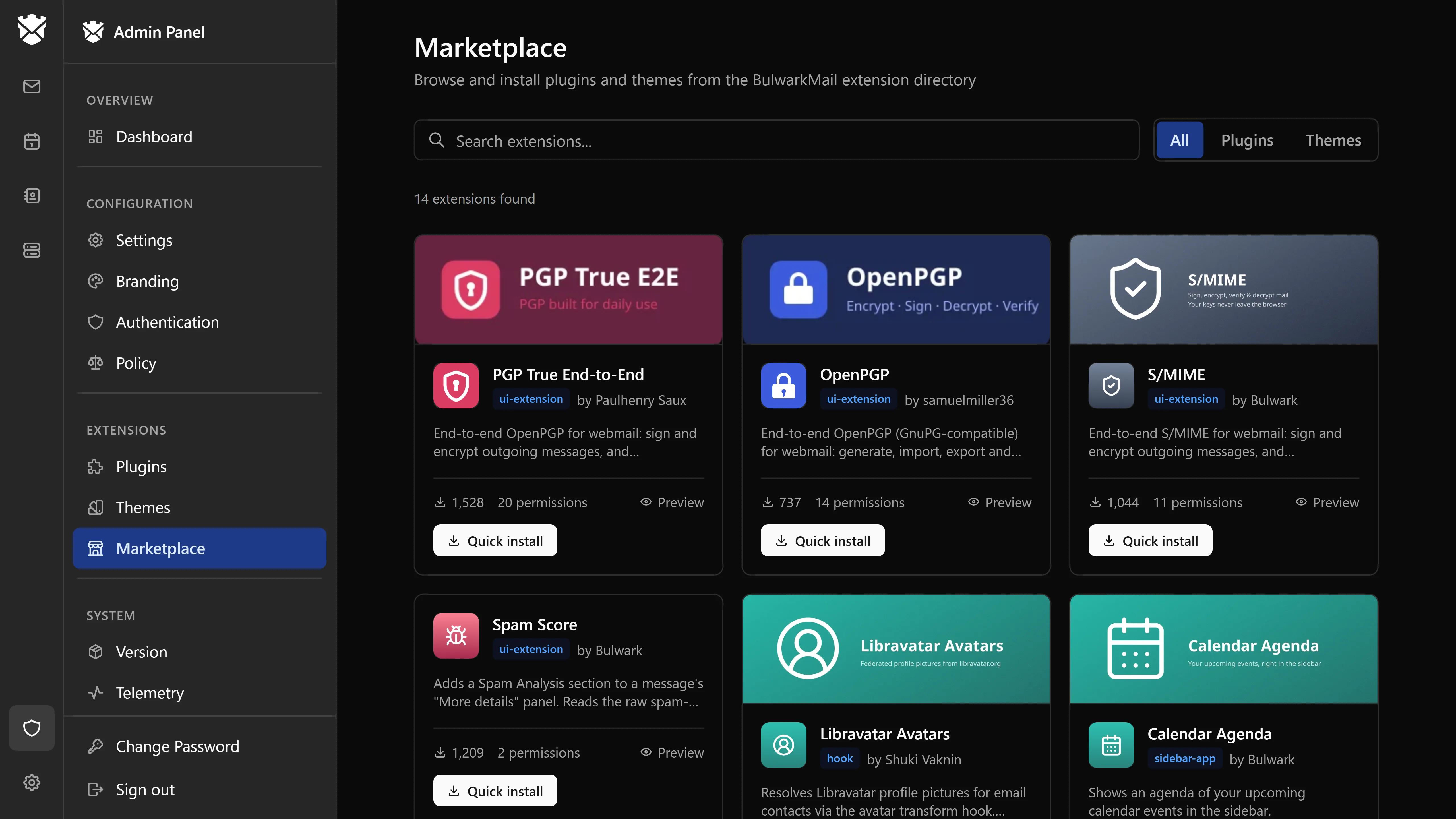
- Sign in to the admin dashboard.
- Open Plugins or Themes.
- Click Browse marketplace.
- Select an extension to view its description, schema, screenshots, and required permissions.
- Click Install - Bulwark fetches the bundle, runs validation (dangerous-pattern detection), and registers the extension.
- Newly installed extensions are disabled by default. Click Enable to activate them.
Installed extensions are subject to the same validation as direct uploads - there is no "trusted directory bypass". If a plugin fails validation, install fails and the failure reason is logged.
Hosting your own directory
The directory protocol is an HTTP API serving JSON manifests. Run your own when you want to:
- Maintain an internal catalog of approved plugins for your organization
- Host private themes restricted to your deployment
- Air-gap your Bulwark deployment from the public internet
The extension-directory project under the BulwarkMail organization documents the expected endpoints. Point EXTENSION_DIRECTORY_URL at your hostname once it serves them.
Safety model
The marketplace does not implicitly trust the directory:
- All installed bundles run through the same JS pattern scanner used for direct uploads.
- Plugins remain disabled until explicitly enabled by an admin.
- Plugins must declare permissions; admins can review them before enabling.
- The HTTP proxy enforces declared origin allowlists at runtime.
frameOriginsin the plugin manifest are strictly validated ashttps://hostand merged into the host CSPframe-srconly when the plugin is enabled.
See Plugins for the full plugin security model.
Updates
When a newer version of an installed plugin is published in the directory, the marketplace surfaces an update prompt. Updates are not automatic - admins approve each update so a malicious or breaking new version can't roll out without review.
Disabling the marketplace
To hide the marketplace UI, unset EXTENSION_DIRECTORY_URL and restart Bulwark. Direct ZIP uploads continue to work.
Related pages
- Plugins - plugin architecture, hooks, and security
- Customization - themes and branding
- Admin dashboard - admin UI overview