Anonymous usage stats
Bulwark can send one anonymous heartbeat per day so we can answer basic questions about how the project is used. It is off until you turn it on: nothing leaves a fresh install until an admin opts in, and the exact JSON that would be sent is visible in the admin UI before the first ping.
The data is instance-level only. No email addresses, no hostnames, no IPs, nothing tied to an end user.
This page is the overview. The full data schema and the formal terms live on the privacy policy sub-page.
Why we ask for it
We ship Bulwark blind. We don't know whether a feature is used by 5 people or 500, whether the last release got adopted, or whether the deprecated config we're about to remove still has live users. Every roadmap call is a guess.
The heartbeat answers five questions and nothing else:
- How many instances are running. Are we shipping to a hobby audience or a small business audience?
- What versions are deployed. How fast does a new release roll out, and which old ones are still in the wild?
- Which features are turned on. If 4% of installs enable S/MIME, we don't pour weeks into S/MIME UX.
- What deployment shape people use. Docker, bare metal, or Kubernetes, which decides where the docs effort goes.
- Roughly how big the install is. A homelab of one and a 200-seat business need different things.
If a future field can't fill in a sentence about which decision it changes, it doesn't ship.
What we collect
Once enabled: one ping per day, jittered ±2 hours so the timing can't reveal user activity. Example payload:
{
  "schema": "1",
  "instance_id": "f0c1...",
  "ts": "2026-04-27T17:00:00Z",
  "version": "1.4.8",
  "platform": "docker",
  "os_family": "linux",
  "stalwart_version": "0.16.0",
  "features": {
    "calendar": true,
    "contacts": true,
    "files": false,
    "extensions": true
  },
  "counts": {
    "accounts": "2-5",
    "accounts_active_7d": "1",
    "extensions_installed": 2
  },
  "uptime_days": 17
}
Account counts are reported as buckets (1, 2-5, 6-10, 11-50, 51-200, 201+) so a small instance can't be re-identified by exact size.
What we never collect
- Email addresses, even hashed
- Hostnames, FQDNs, your domain name
- IP addresses on the server side (the receiving server's nginx logs are turned off)
- Mail counts, folder counts, message sizes, attachment sizes
- Timestamps of any user action
- Anything you typed in the UI
The full negative list, and what nginx and the collector log (or rather, don't log), is on the privacy sub-page.
Default state and inspection
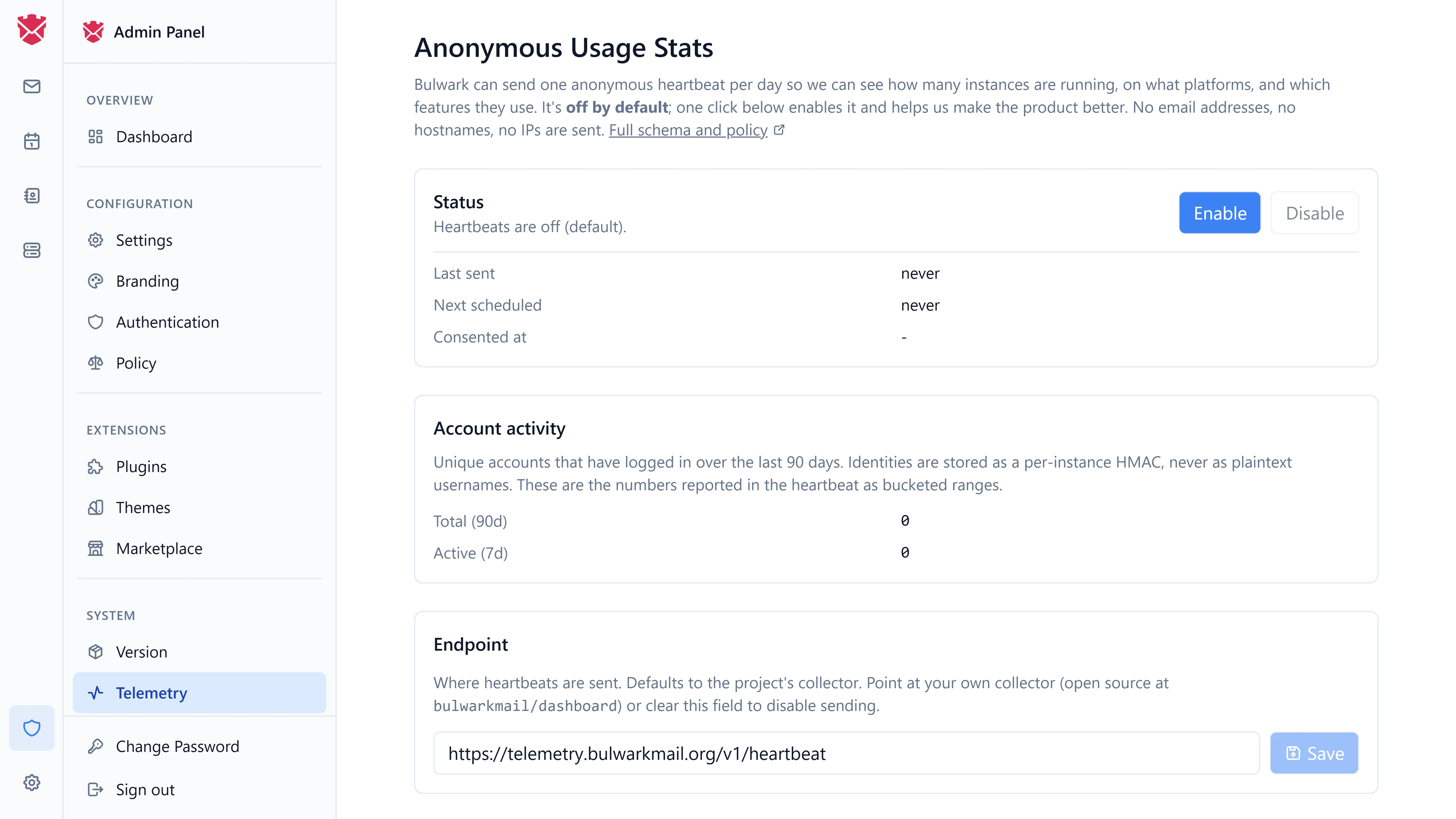
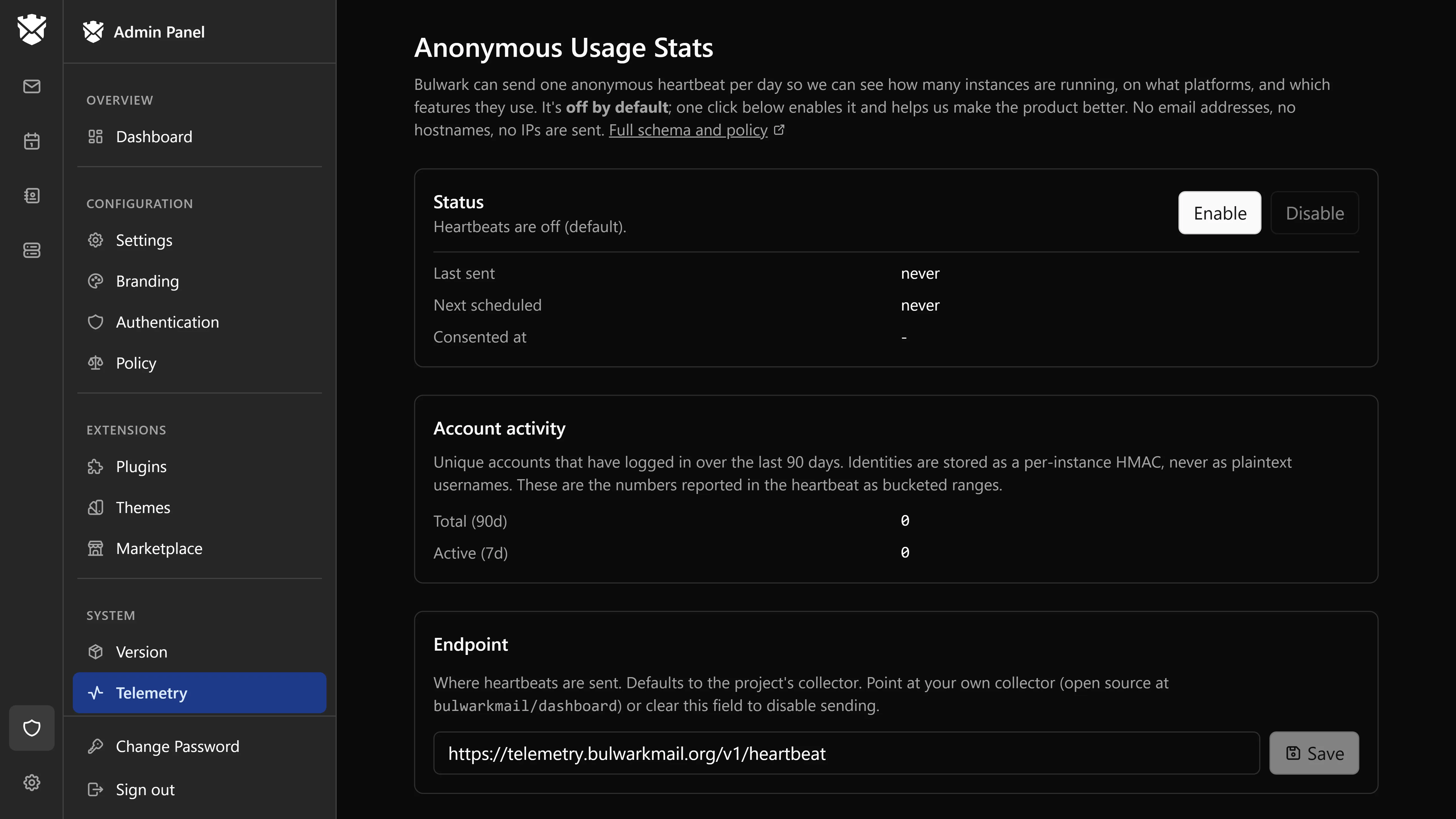
Telemetry is off on a fresh install. Consent starts at off and is written to TELEMETRY_DATA_DIR/state.json on first boot, so an install that is never touched sends nothing, ever. Once you opt in, the first heartbeat fires an hour later.
In Admin → Settings → Anonymous usage stats you can:
- Turn the heartbeat on or off at any time.
- Preview payload - the exact JSON the next heartbeat would send, filled in with your install's current values.
- Send now - fire a heartbeat immediately, for testing or just to see it happen.
- Change the endpoint (default
https://telemetry.bulwarkmail.org/v1/heartbeat) to point at your own collector, or clear it to disable. Private and loopback addresses are refused unlessBULWARK_TELEMETRY_ALLOW_PRIVATE=1is set, which is only useful while developing a collector. - See when the last one went out.
How to turn it on
Either flip Anonymous usage stats on in the admin UI, or set BULWARK_TELEMETRY=on in the environment. Setting the environment variable either way locks the choice and greys out the admin toggle.
How to turn it off again
- In the admin UI, flip Anonymous usage stats off.
- Set
BULWARK_TELEMETRY=offin your environment (.env,docker-compose.yml, or your systemd unit). This wins over the UI toggle. The olderBULWARK_TELEMETRY_DISABLED=1still works whenBULWARK_TELEMETRYis unset. - Clear the endpoint in the admin UI, which has the same effect.
- Block
telemetry.bulwarkmail.orgat your firewall. Heartbeats fail silently and nothing else in Bulwark notices.
The toggle takes effect immediately. To also reset your instance_id, so future heartbeats from this install look like a brand-new one, delete the .telemetry-id file in your telemetry data directory.
Run your own collector
The collector is open source at github.com/bulwarkmail/dashboard under telemetry-collector/. If you want the same data for your own fleet, point your installs at your own collector from the endpoint field in the admin UI.
Public dashboard
The aggregate numbers (active instances, version distribution, feature adoption percentages) are published on a read-only Grafana view linked from the privacy sub-page, so anyone, not just us, can see what we know.