The mail client talks JMAP. Threading, search and flag changes are all resolved on the server, and the browser hears about the result rather than going looking for it.
Inbox and folders


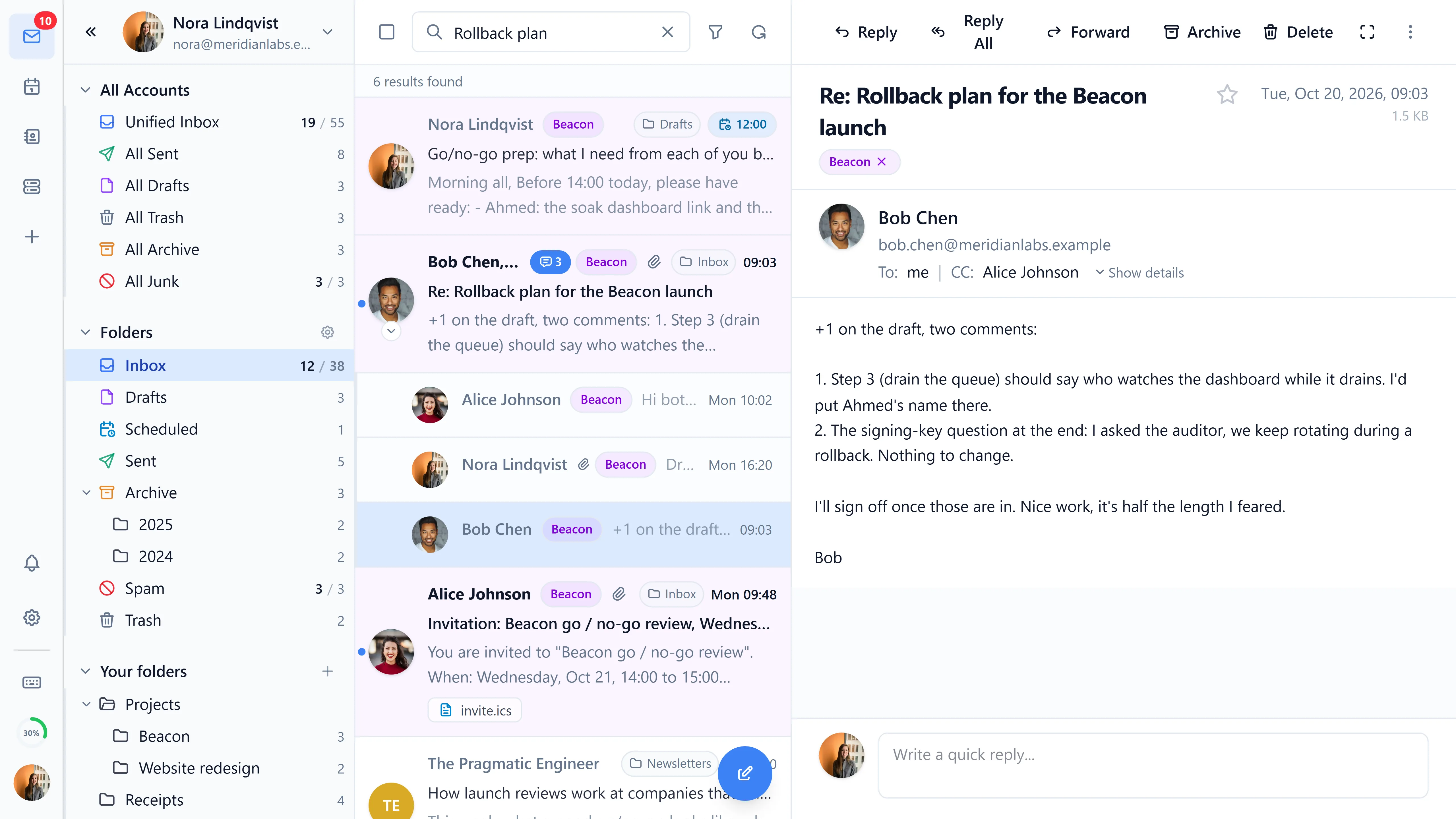
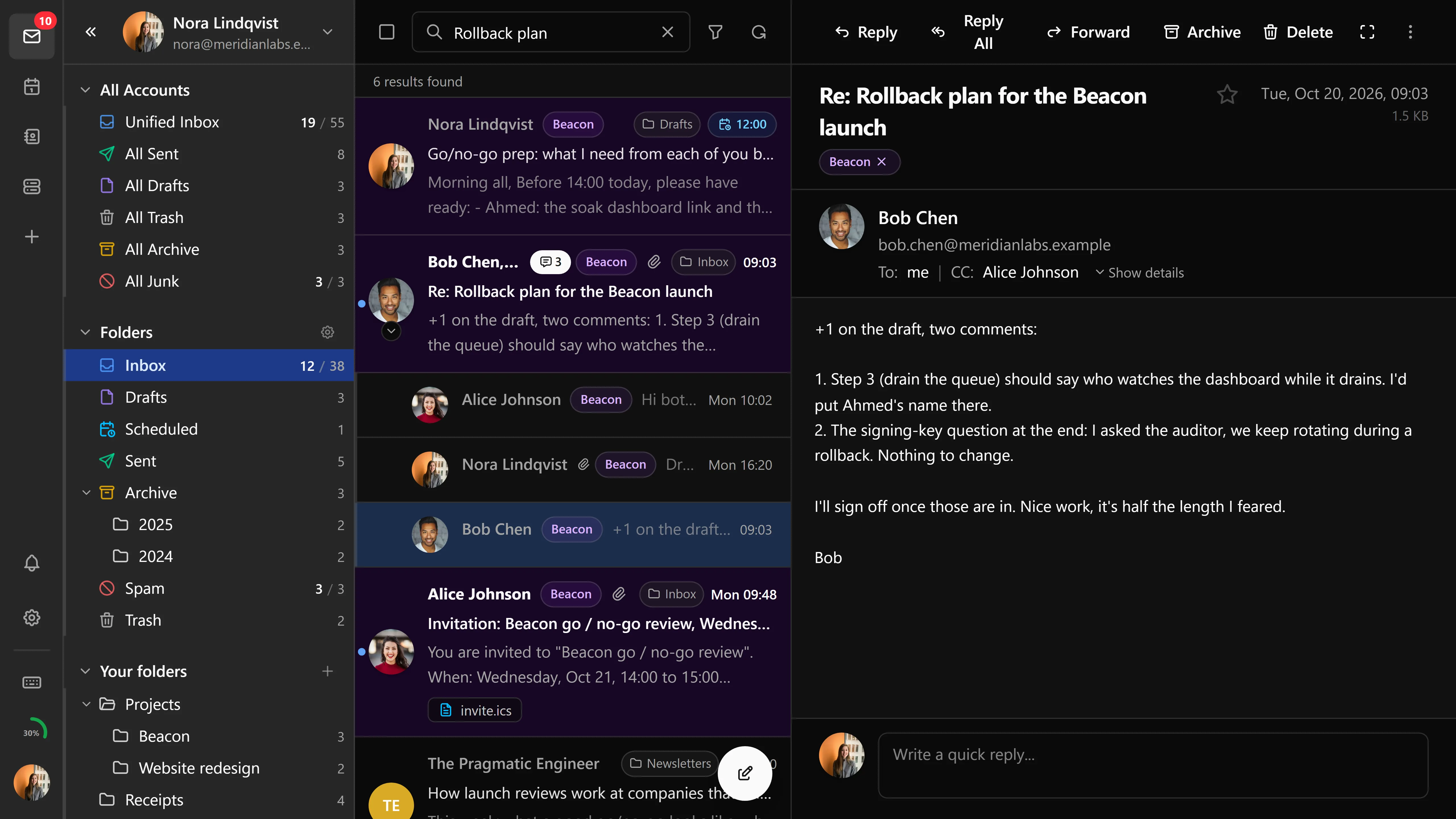
Pick one of three layouts, per user, in settings: split (three panes), focused list, or reading pane at bottom. Any open message can also go fullscreen, and dragging a message from the list onto a new browser tab opens it there on its own. The mailbox tree shows unread counts, filters down to unread only, and accepts messages dragged into it. With several accounts connected, a unified view merges their inboxes into one list.
Long mailboxes are virtualised and paginate as you scroll, and the first page of message data is prefetched at login so the inbox isn't empty while you wait. Rows show their attachments, and an attachment opens straight from the row without opening the message first.
The order of the list is yours to set. Presets put unread, starred or tagged mail first; or define up to three custom sort levels. The order is applied through the JMAP sort, so the whole folder obeys it rather than the page you have loaded, and it can apply to the Inbox only or to every folder.
Folders can be shared with other users on the same server (mail:share). When someone shares a folder with you, a toast says so and the folder appears under their account in your sidebar. Deleting a folder that still holds mail offers to delete the messages with it.
The rest is the ordinary furniture:
- Archive into a single folder, into year folders, or into year/month folders
- Empty Junk and Trash, with a confirmation first
- Configurable hover quick-actions, and attachments shown at the top or bottom of the viewer
- Answered and forwarded status icons in the list
- Right-click a folder to manage it or to import an
.emlfile into it; the context menu header elides a long path in the middle rather than truncating it
Composing
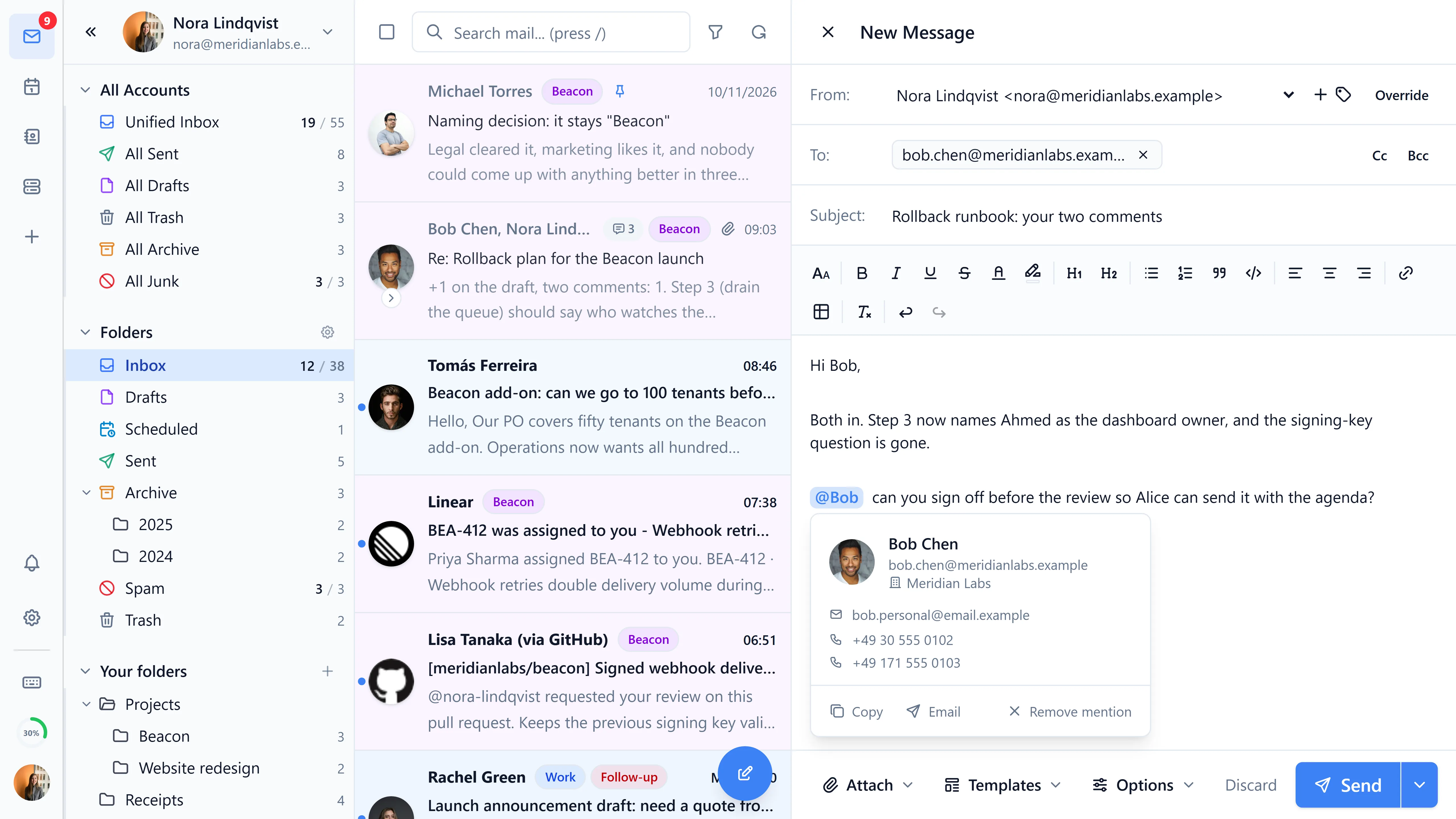
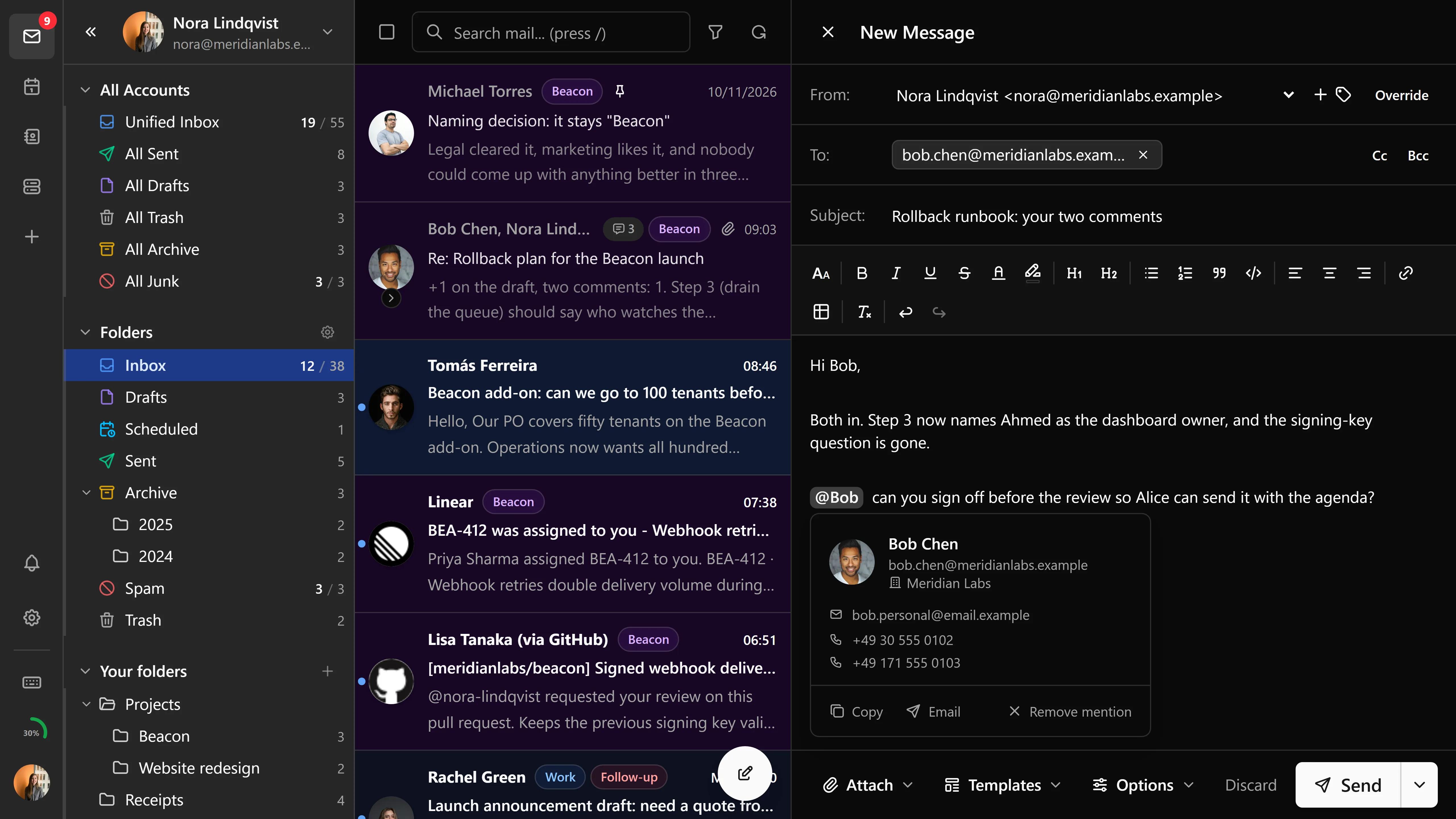
The editor is Tiptap: bold, italic, underline, strikethrough, ordered and unordered lists, links, tables, block quotes, and code blocks. Images can be pasted or dragged in and are embedded as data URLs so a dropped image doesn't also become an attachment, and each one can be resized in place. There is a plain-text mode for people who want one.
Which address a message leaves from is more flexible than the identity list suggests. Replies can auto-select the identity the original was addressed to, matching either the exact address or anything on the same domain, whichever you prefer in settings. The From header can be overridden outright, and on a catch-all domain a reply to some arbitrary alias comes back from that alias even though no identity exists for it. Each identity carries its own signature and decides whether it lands above or below the quoted text.
On a reply, the quoted original stays in an editable block that preserves its own layout, so you can trim or annotate it without the formatting collapsing.
Before a message goes out, Bulwark checks the body for words like "attached" and warns you if nothing is attached. After you press send, a configurable delay holds it briefly so you can take it back, or you can schedule it for a specific time instead. Read receipts (MDN, RFC 8098) can be requested here and are answered in the viewer, and so can delivery status notifications (DSN) from the receiving server. A message can also be marked REQUIRETLS, so the server refuses to hand it on over an unencrypted hop.
Replying to someone adds them to your trusted senders, so their images load next time without asking.
Press c anywhere in the app to open the composer. Composing emails goes through all of it properly.
Reading
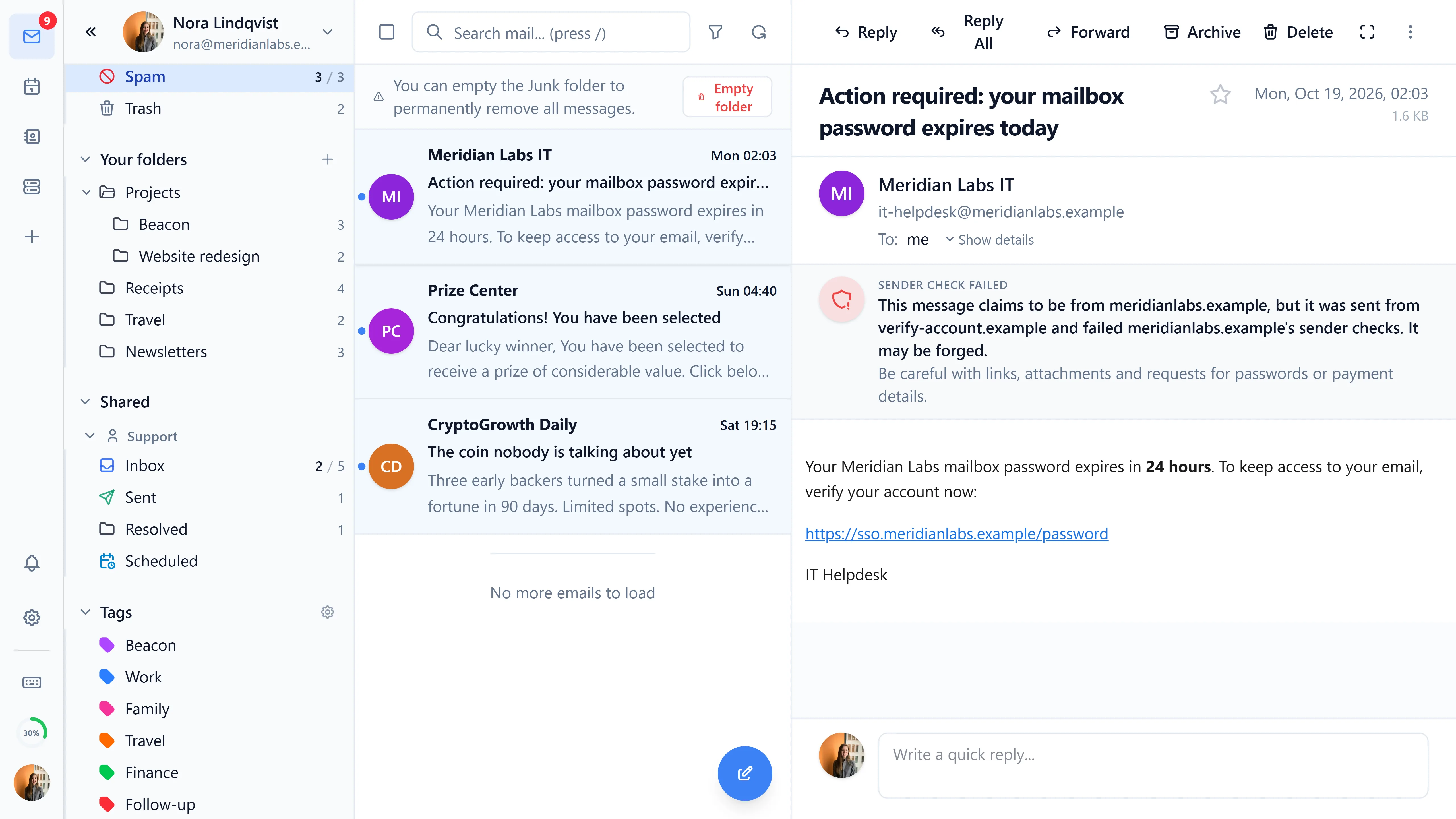
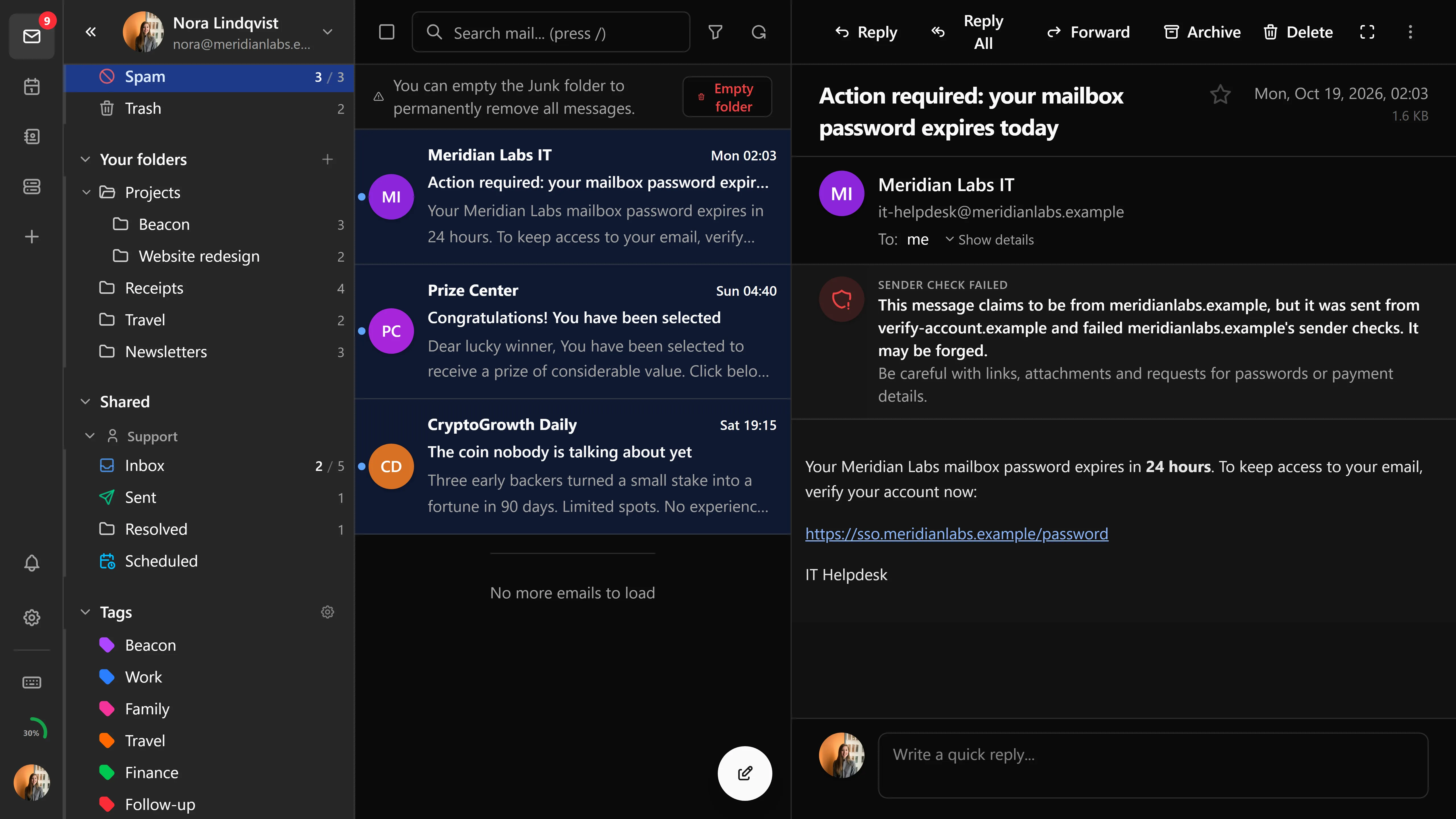
Messages render in an iframe, sanitised by DOMPurify on the way in. In dark mode the HTML is recolored by luminance so a white newsletter doesn't blind you, while emoji keep their own colors. Mail that survives this badly can be forced to light mode, either per message or globally, and any message with both parts can be flipped between its HTML and plain-text version from the viewer toolbar.
External content is blocked until you trust the sender, and the banner saying so sits above the attachments rather than below them. Next to it, SPF, DKIM and DMARC results are shown with the most severe SPF outcome surfaced first; on spoofed mail the "via" badge is suppressed rather than lending the message credibility.
Two formats other clients tend to give up on are handled here. TNEF (winmail.dat) bodies and attachments from Outlook are unpacked, and an embedded message/rfc822 attachment is unwrapped and rendered as the email it is, after its HTML has been validated.
Attachments can be downloaded, previewed inline, or dragged straight out to the desktop. Images preview as thumbnails, PDFs render in a sandboxed object on desktop and mobile alike, and .eml attachments open like mail.
Around all of that: reply, reply-all and forward, a quick reply form under the message, expandable headers with a contact sidebar, move-to-mailbox, one-click unsubscribe (RFC 2369), printing, and a bottom action bar on mobile. Sender avatars use the sender's domain favicon where one exists, falling back to initials.
Search
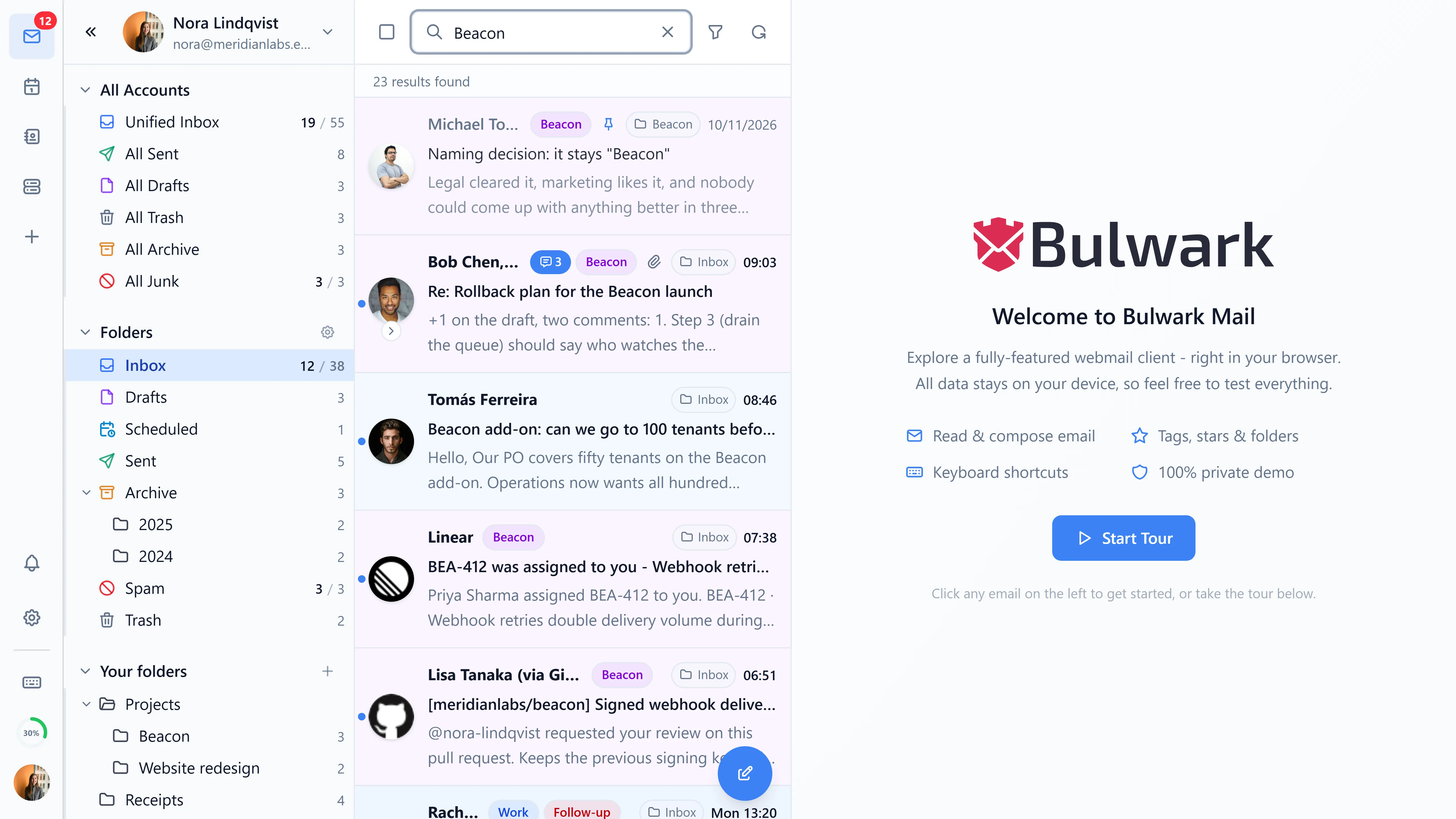
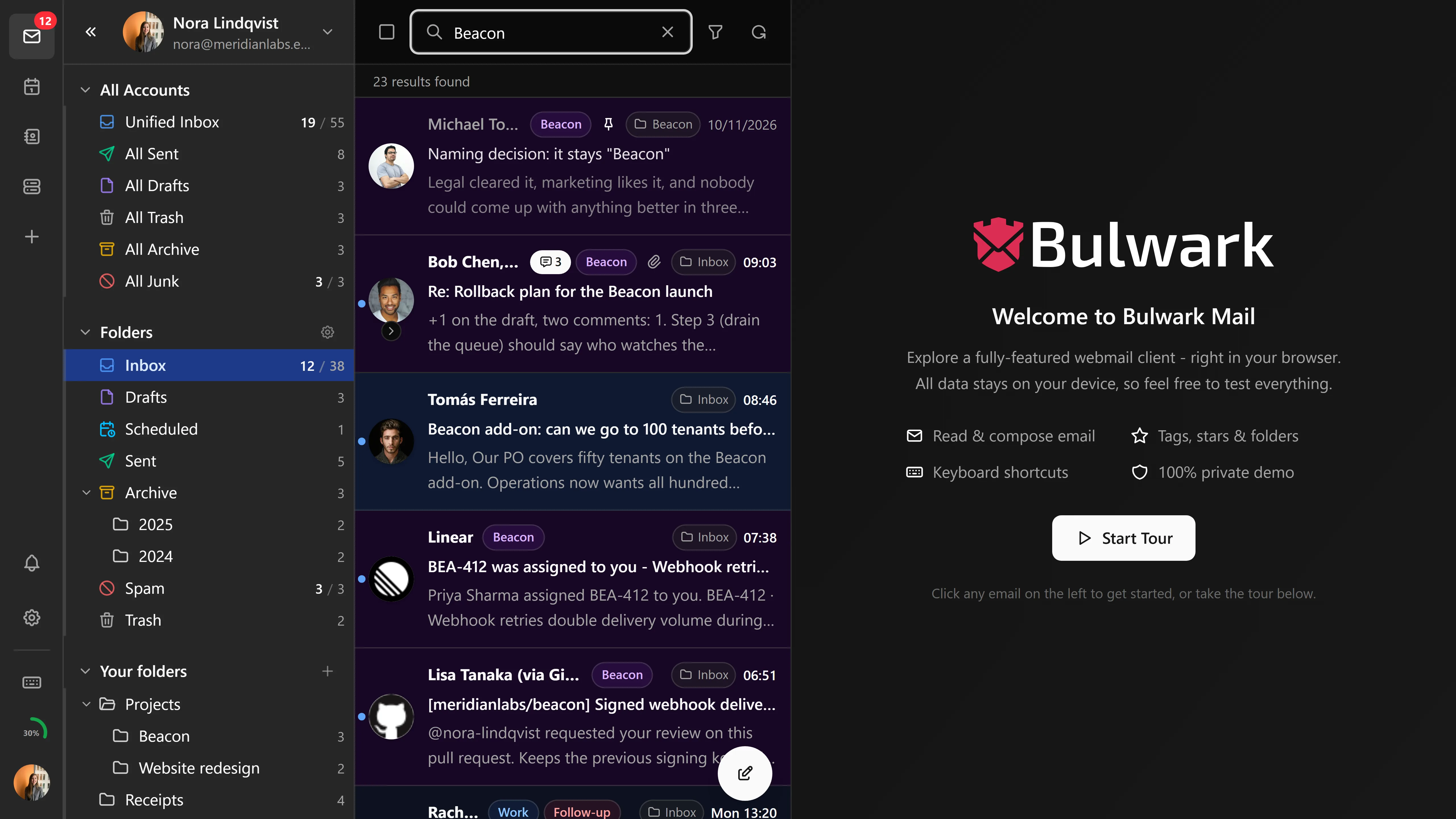
There is no query language to learn. The advanced panel builds the query from fields (text, from, to, subject, body, has-attachment, message size, date before and after, read status, starred) and each one you fill in becomes a removable chip above the message list. Matching text in the results is highlighted with the server's own snippets.
Queries run across every mailbox by default, not just the folder you're standing in, and they support wildcards and OR conditions on the fields the server can handle them for. Press / to jump to the search bar. Beyond mail, the Pro interface has a global search palette that also covers contacts, calendar and files across every account. Search and filters covers both.
Labels and tags
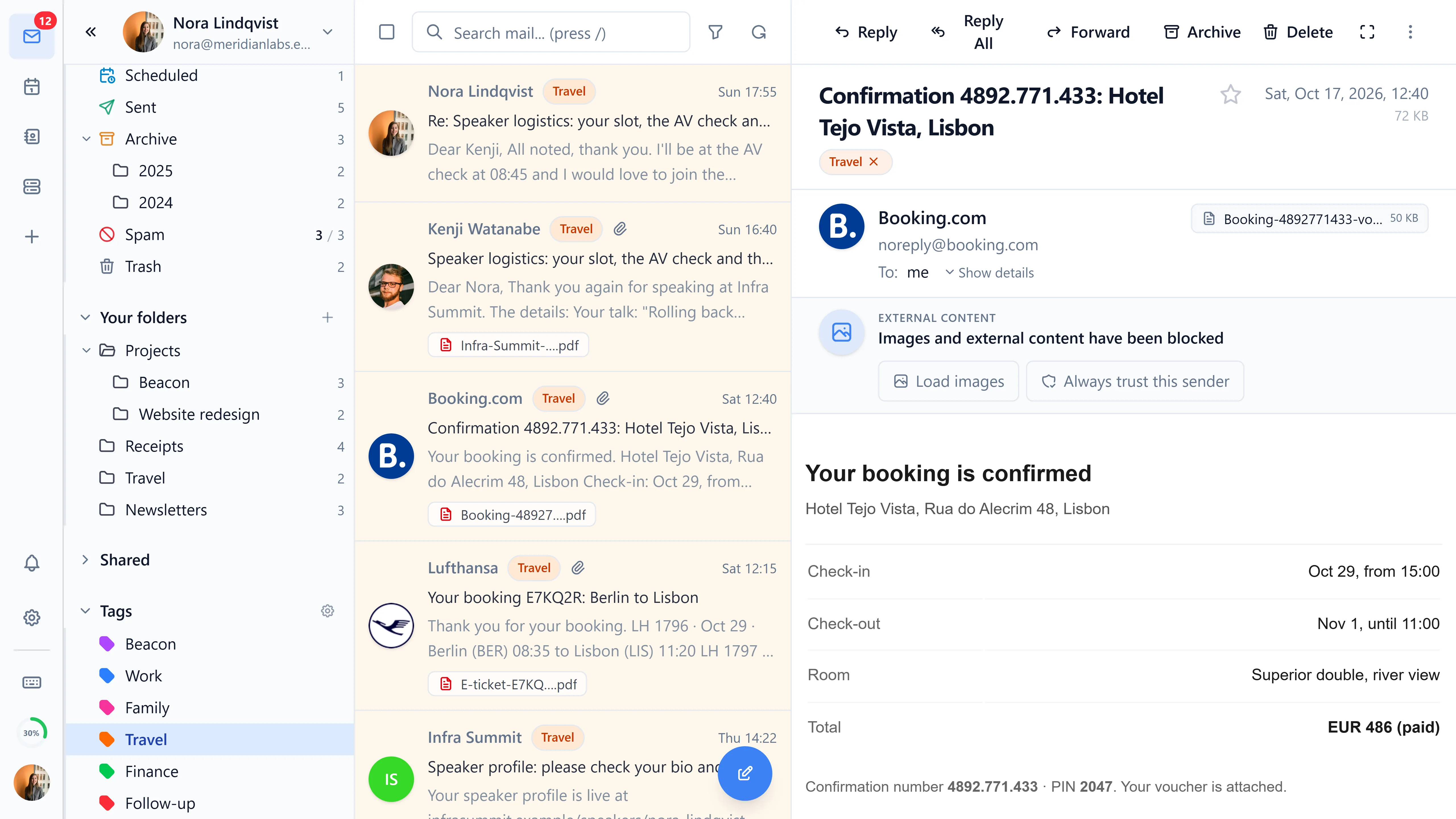
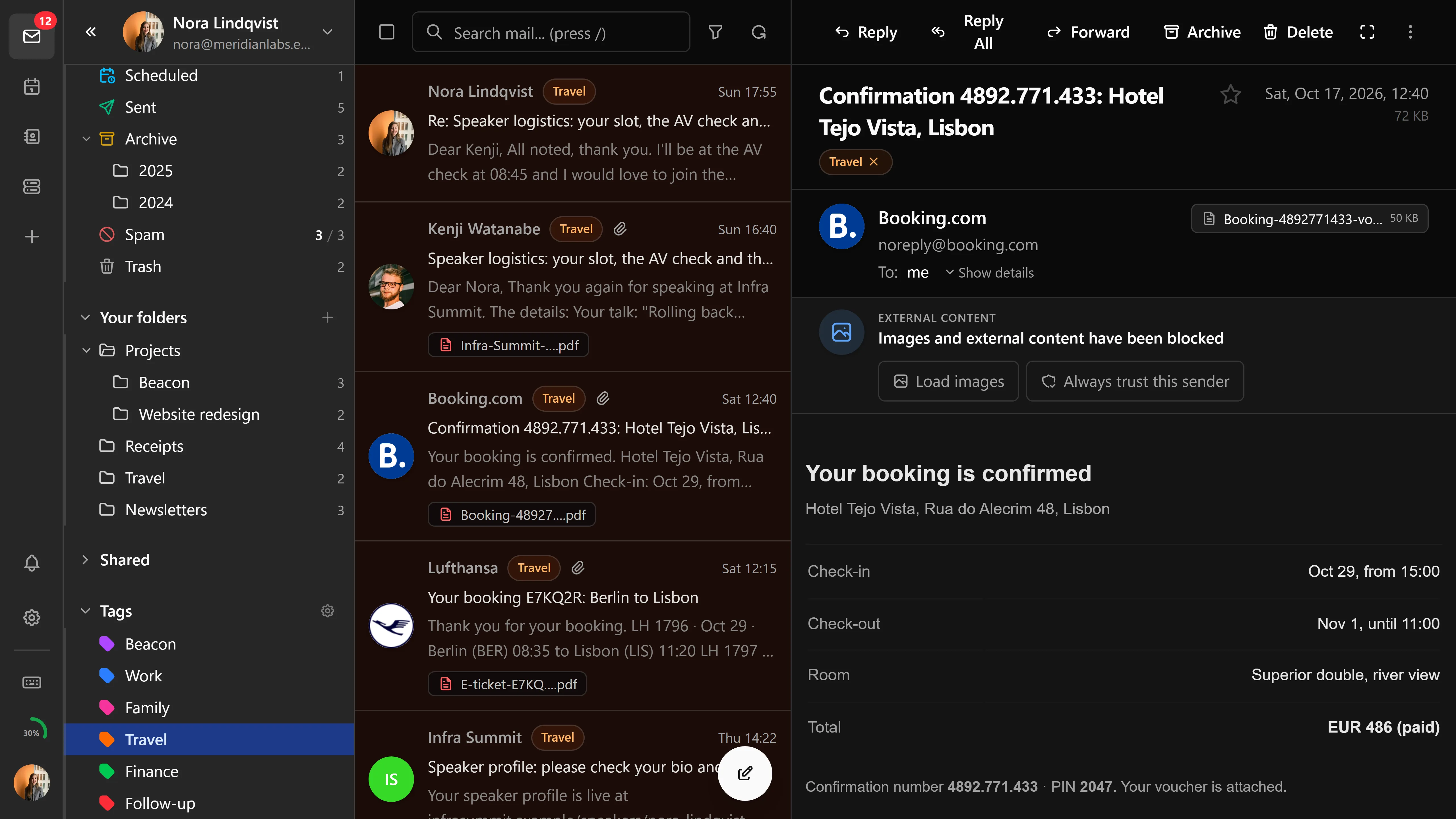
Colored labels map onto JMAP keywords, so they follow the message into any other client that reads the same account. Names and colors are set in settings, tags can nest under a parent, and each one can be always shown, shown only while it has unread mail, or hidden. The tag view lists tagged mail from every connected account, not just the one whose folder is selected.
Time zone
Dates and times follow the browser's zone unless you pick one in settings, which is the setting for people who read mail from a machine that thinks it is somewhere else.
Export and import
Export mail to disk and import it back. Both flows are translated into every language Bulwark ships.
Batch operations
Select several messages and archive, delete, mark read or unread, star, or move them in one action.
S/MIME
Import PKCS#12 identities and recipient certificates from Settings, bind a certificate to an identity so signing defaults on for it, and toggle signing and encryption per message in the composer. Incoming mail decrypts automatically when the matching key is loaded, signatures are verified in the viewer, and the signer's certificate can be auto-imported so you can encrypt the reply. Older bundles using password-based encryption are supported too.
The full write-up, including the algorithm table and what each banner means, is on the S/MIME page.
Filters
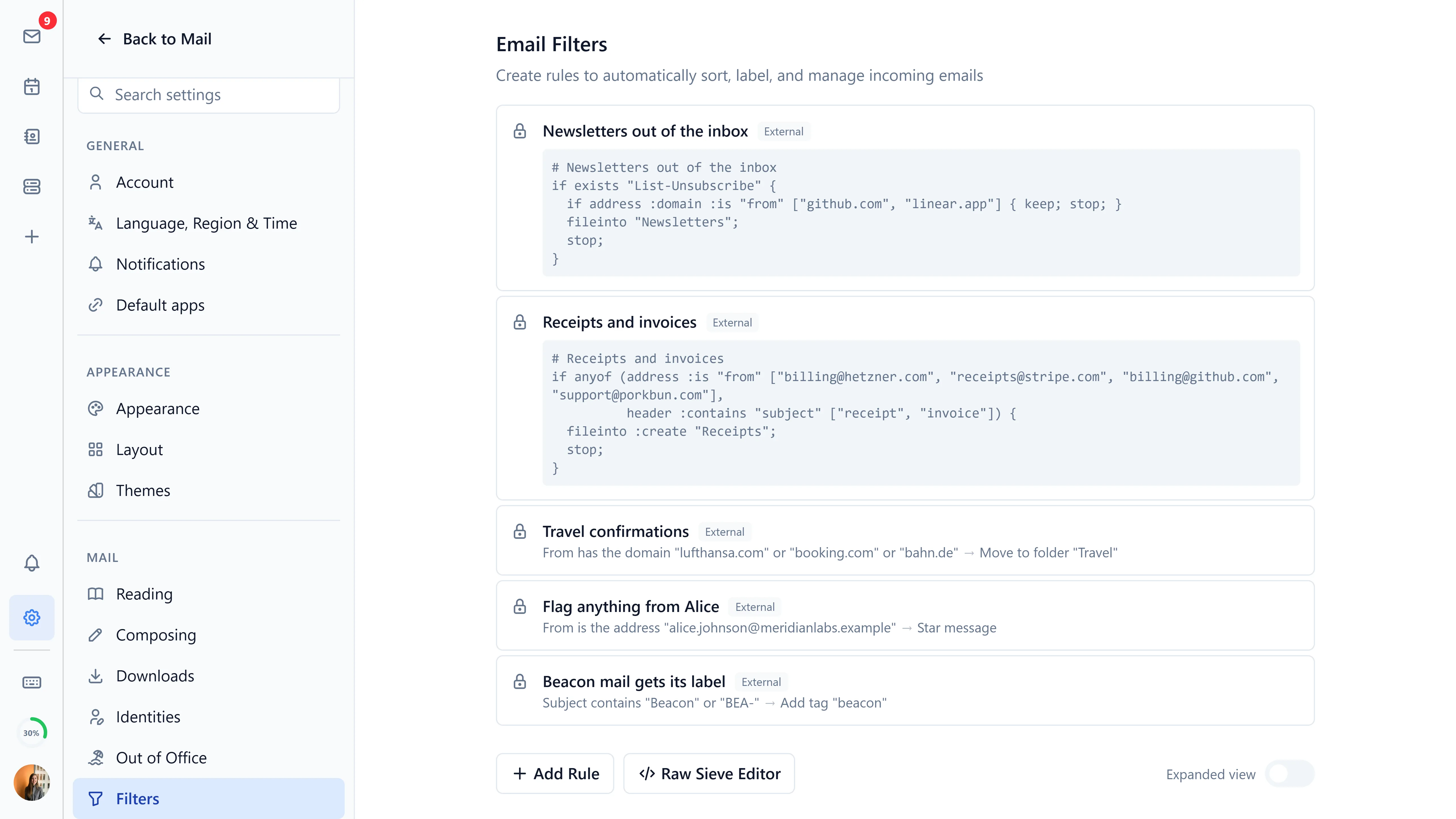
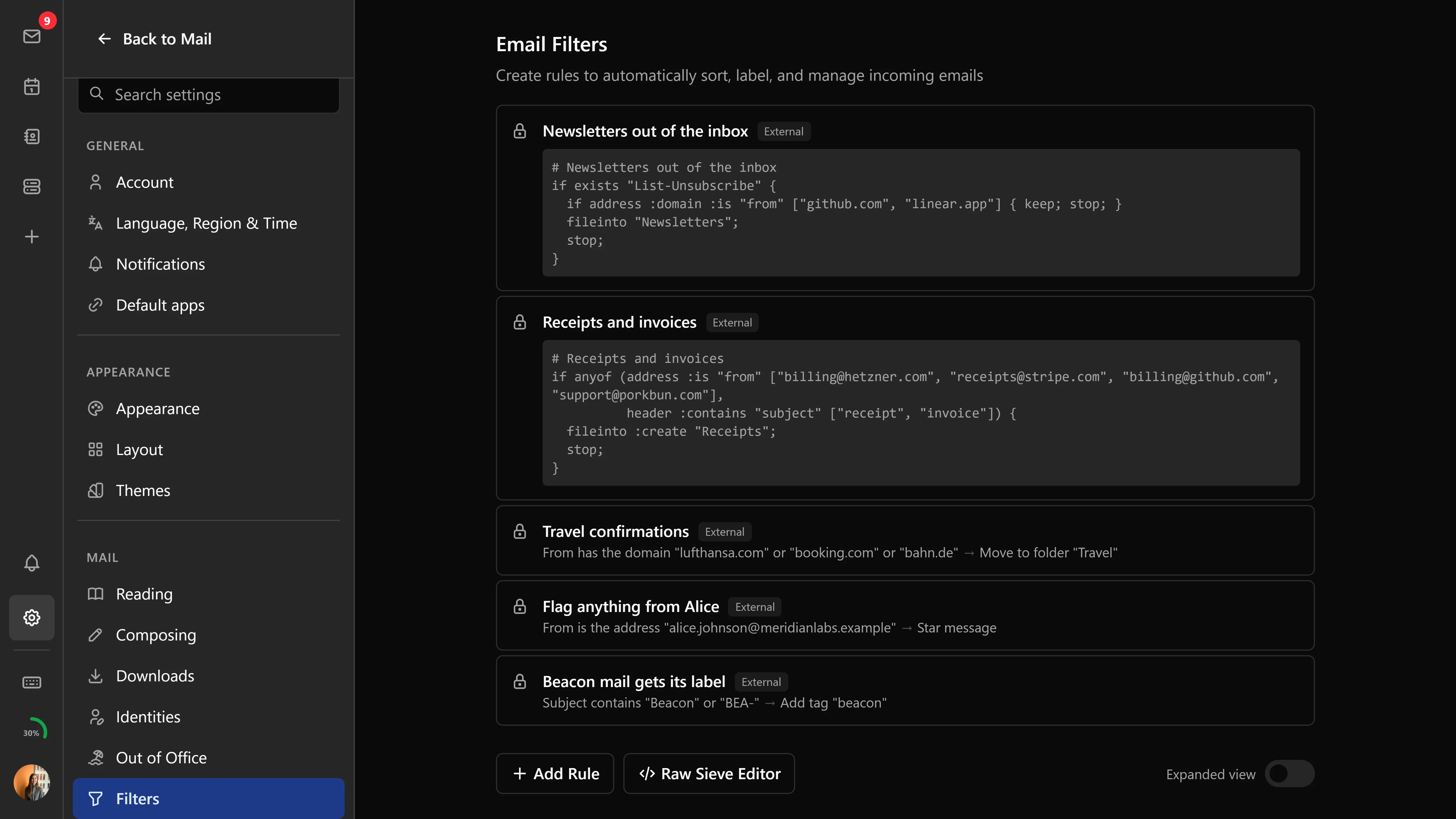
Filtering happens on the server, as Sieve scripts over JMAP (RFC 9661), which means it keeps working while the browser is closed.
Build rules visually (From, To, Subject, Size, Body, Attachment, and so on, each matching against several values) with actions to move, forward, mark read, star, discard, or reject. Reorder them by dragging. An expanded view shows every rule at once for review, and if you'd rather write Sieve directly there's a raw editor with syntax validation. Edits save themselves and roll back if the server rejects the script.
The whole section only appears when the server advertises Sieve support.
Vacation responder


Out-of-office replies are a JMAP VacationResponse, which Bulwark writes and reads back as Sieve, so the server keeps answering while nothing of yours is running.
Set a subject and a plain-text body, and optionally a start and end date; leave either empty for no limit at that end. Turning on Formatted message adds an HTML version written in the same rich-text editor as the composer, and recipients whose client won't render it fall back to the plain text. A preview shows what actually goes out before you save.
Like filters, this needs a server that supports Sieve.
Templates
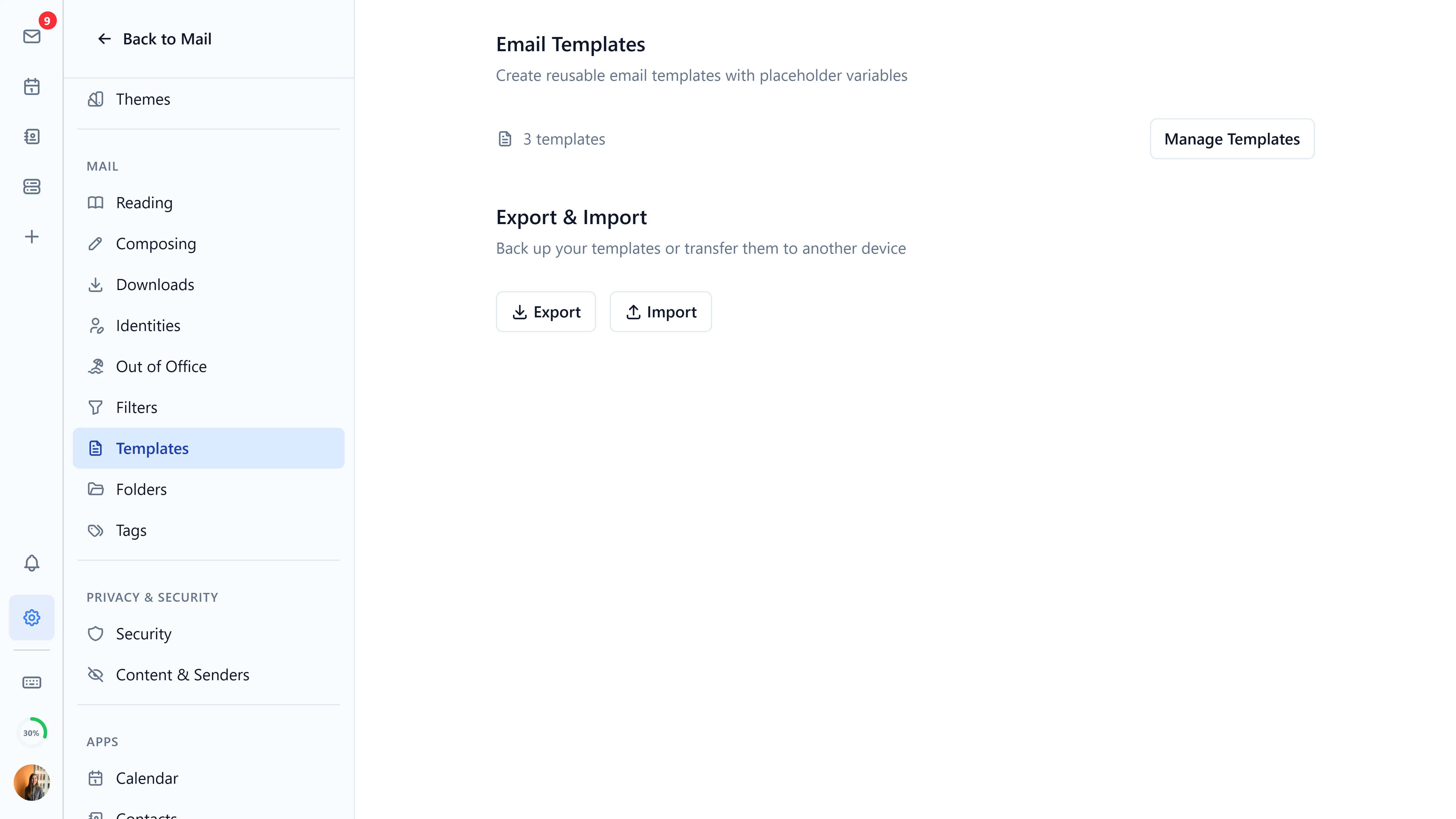
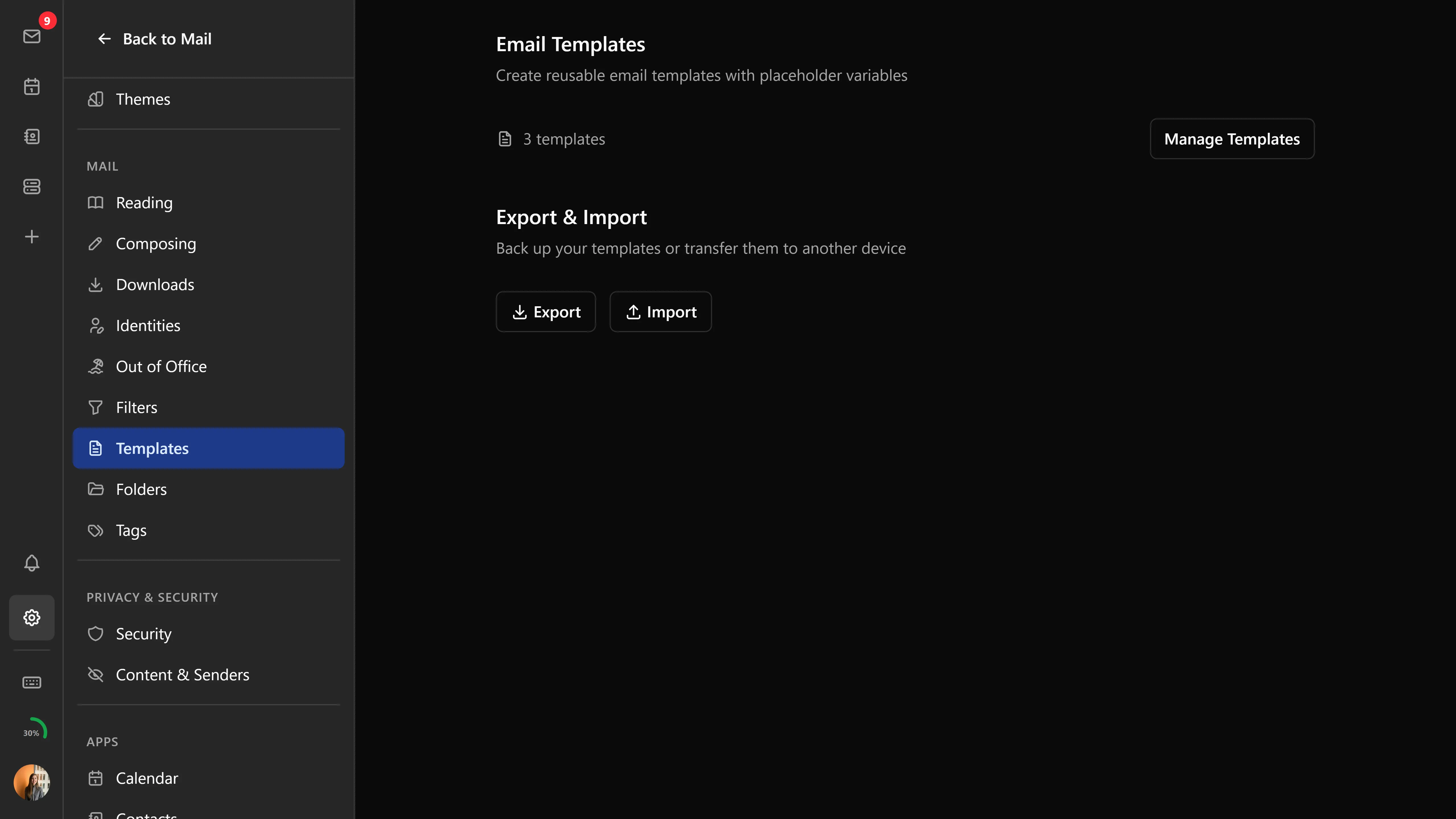
Templates are reusable message bodies grouped by category (General, Business, Personal, Support, Follow-up, or your own). Placeholders like {{recipientName}} and {{date}} fill themselves in from whatever the composer already knows; anything custom prompts you on insertion.
Press t or use the compose toolbar to open the picker, which searches and filters by category. Templates are created and edited in settings.