Docs / FeaturesEdit on GitHub
Contacts
Contacts are stored as JMAP ContactCards (RFC 9553 and 9610), which means they live on the mail server alongside the mail rather than in a separate directory you have to keep in sync.


Managing contacts
- Add, edit, and delete contacts
- Multiple email addresses, phone numbers, and addresses per contact
- Organization and job title fields
- RFC 9553 name kinds (
given,surname,middle,prefix,suffix) emitted on output and decoded on import; QUOTED-PRINTABLE encoded vCard fields are decoded on import - Gender handling with
speakToAsstructure - Anniversary and birthday fields with non-string date handling
- Search and filter contacts list
- Sort by first name or by last name
- A-Z grouping with sticky section headers (toggleable in settings)
- Right-click context menu for contact actions
- Multi-select with checkboxes and selection toolbar
- Resizable sidebar for browsing contacts alongside details
- Pagination for large address books via
maxObjectsInGetcapability detection
Detail view
The detail view shows:
- Filters for navigating between detail sections
- Photo display with print support
- Duplicate detection and merge actions
- Contact activity - recent mail exchanged with this person and their upcoming calendar events
Address book directories
Organize contacts across multiple address books:
- Create and manage separate address books (directories)
- Mark one address book as the default, so new contacts land there unless you pick another
- Rename existing address books from settings
- Drag-and-drop contacts between address books with proper ID namespacing for shared address books
- Address book picker in the contact editor
- Visual separation of address books in the sidebar
- Sharing of address books via JMAP
Trusted senders
Trusted senders are stored in a dedicated JMAP address book separate from your personal contacts. When you allow images from a sender or otherwise trust them, the entry is persisted server-side and synced across devices.
Categories
Organize contacts with categories:
- Assign categories to contacts via the category combo box in the contact form
- Drag-and-drop contacts to a category in the sidebar
- Filter contacts by category or use the no-category filter to find uncategorized contacts
Groups
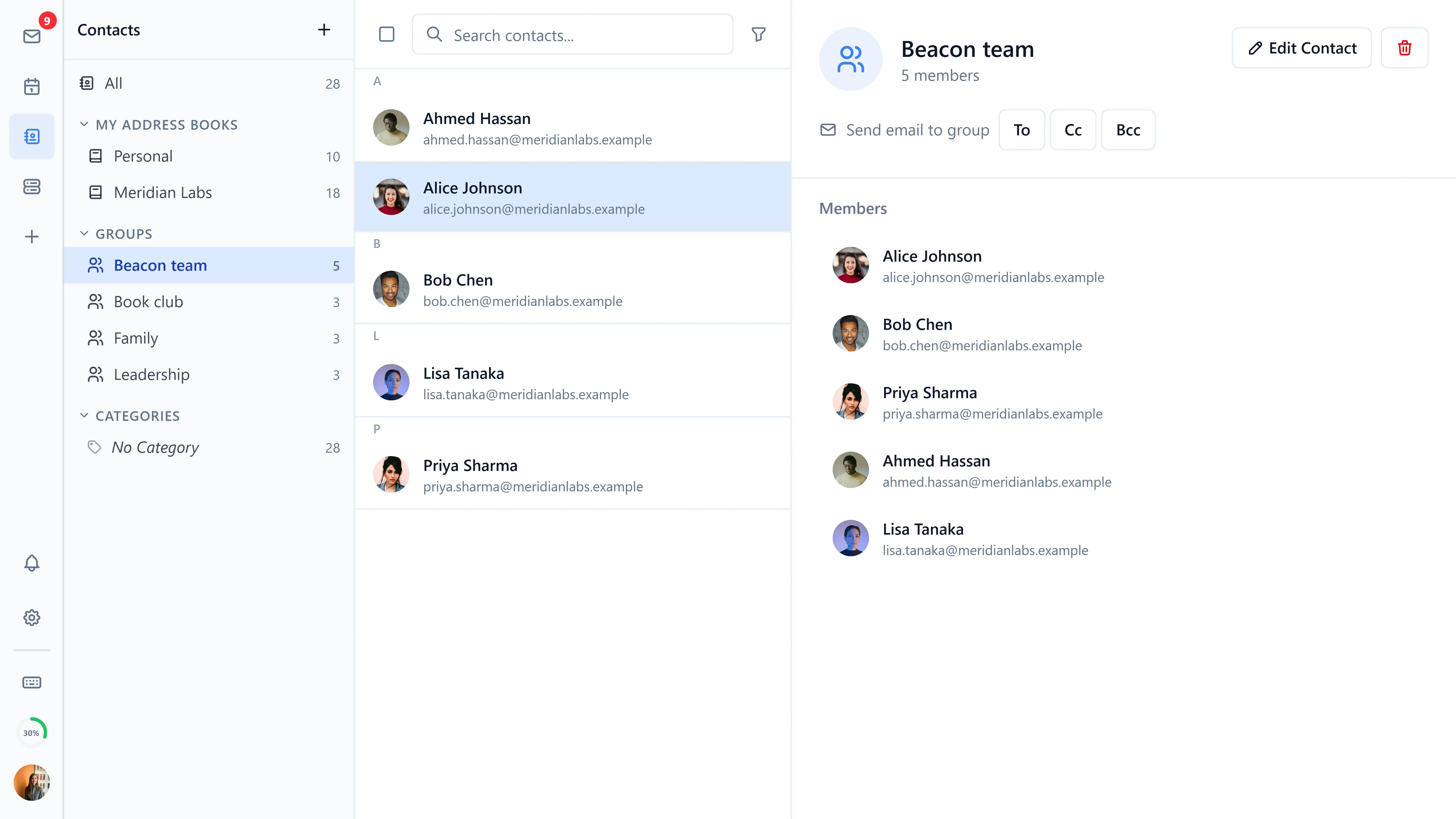
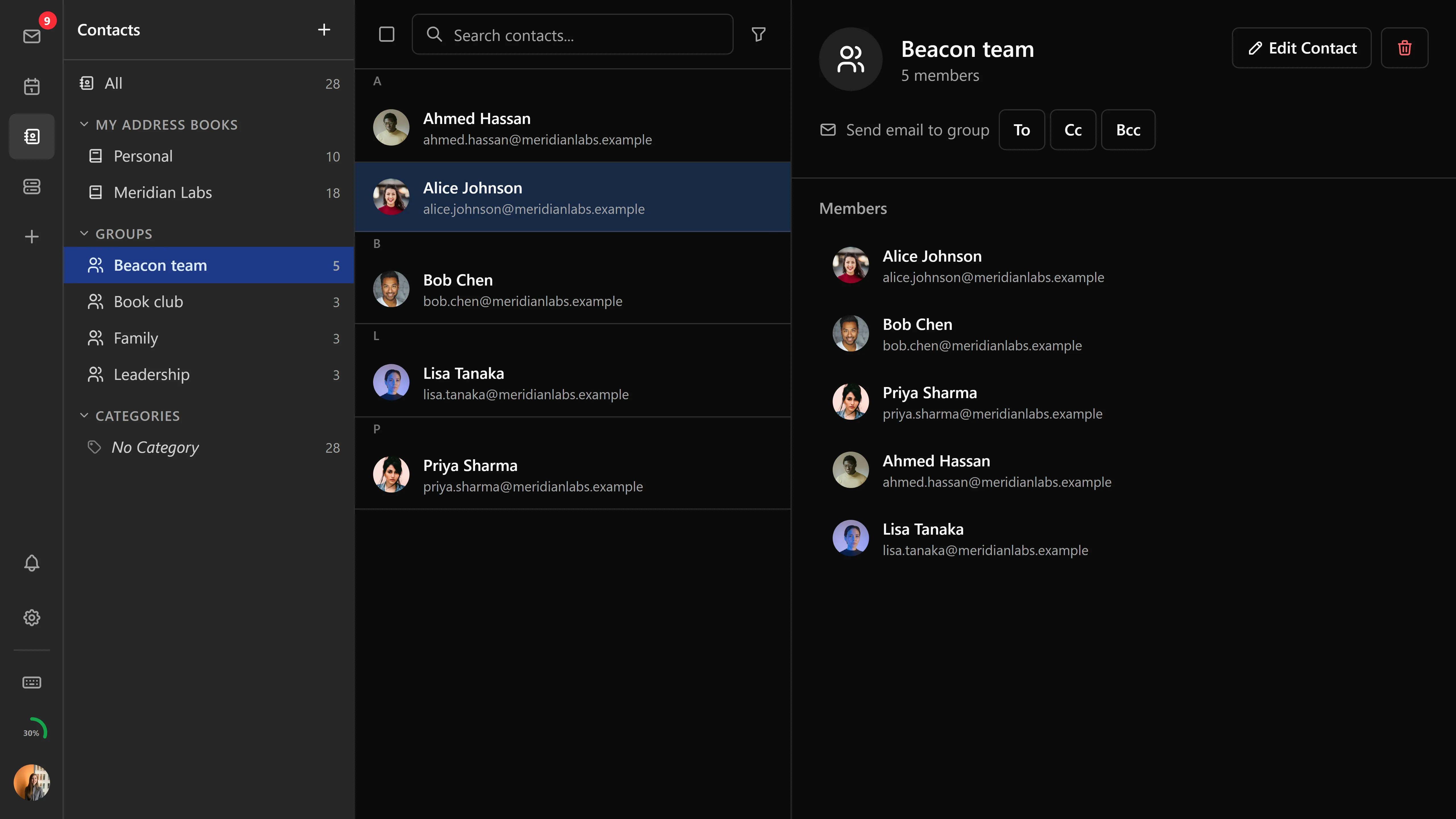
Groups collect contacts you address together:
- Create custom contact groups with JMAP members map
- Add contacts to multiple groups
- Group expansion when addressing emails
Autocomplete
When composing an email, Bulwark auto-completes recipient addresses (To, Cc, Bcc) from your contacts stored on the JMAP server.
Import and export
- Import - vCard (.vcf) files (RFC 6350) with duplicate detection, accessible from Settings
- Export - Download contacts as vCard, accessible from Settings
- Sync - Contacts sync via JMAP with Stalwart, with local fallback when the server doesn't support contacts
Also in Lite. Everything on this page works in Bulwark Lite. Contacts are plain JMAP, so nothing here needs the Node.js server.
Bulk operations
Select multiple contacts for batch actions:
- Multi-select with checkboxes
- Bulk delete
- Bulk add to group
- Bulk export to vCard